I never received my setup email. What now?+
Check spam and any district quarantine first. An administrator can then open Invite a user, Accounts and choose Send setup link to send a fresh one. Links expire, so always use the newest email.
Everyone
Can I sign in with any password?+
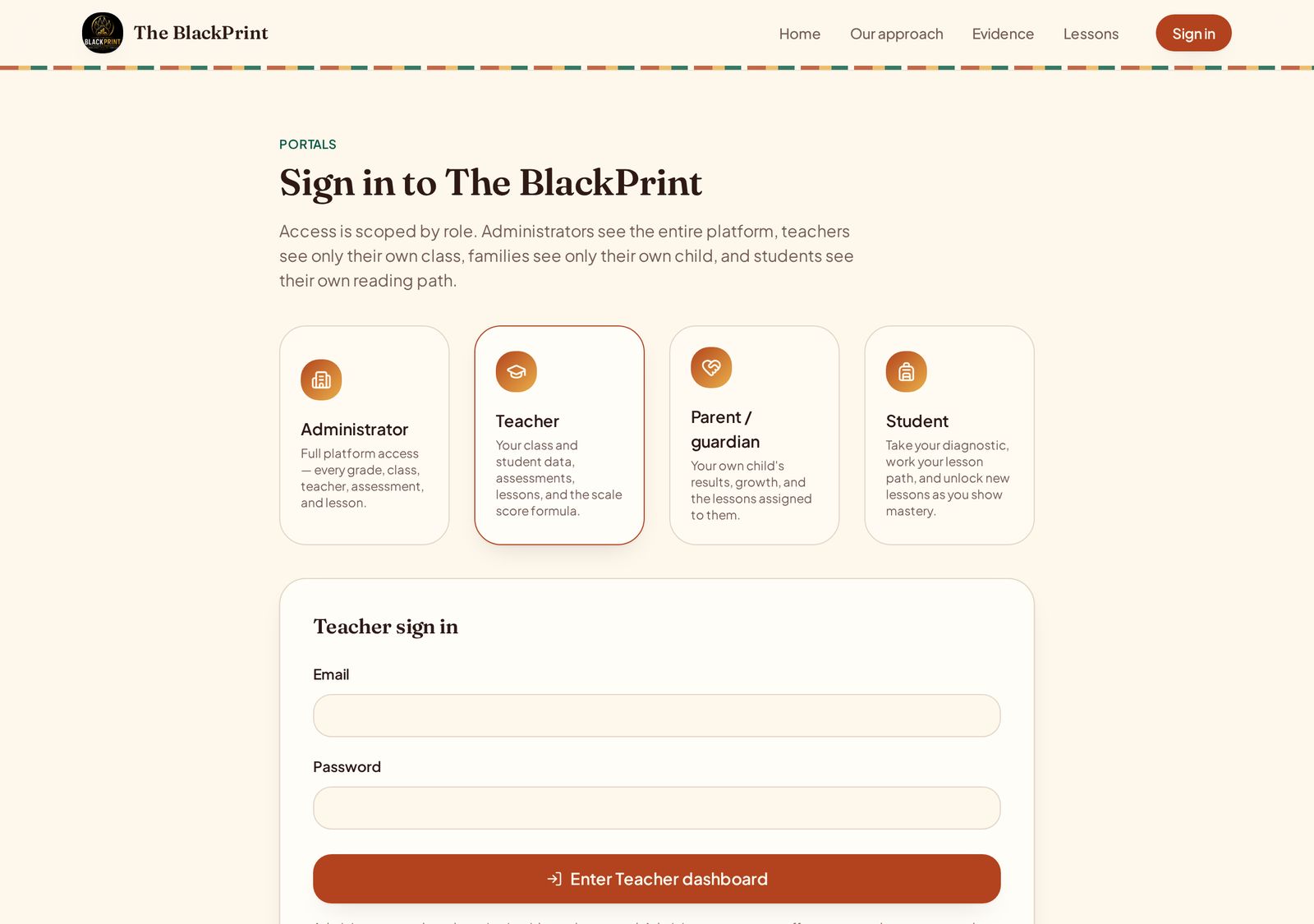
No. Administrator and teacher accounts use real password sign-in. Passwords are created by the account holder from the setup link and can be reset from the sign-in screen.
Everyone
I lost my child's access code.+
Your child's teacher can see the code on their dashboard and resend it. Codes are tied to one student, so each child has their own.
Families
I have more than one child on the platform.+
Enter the first code, then choose Add another child and enter the next. All of your children appear in one family portal and you can switch between them.
Families
Why don't I see lessons in the family portal?+
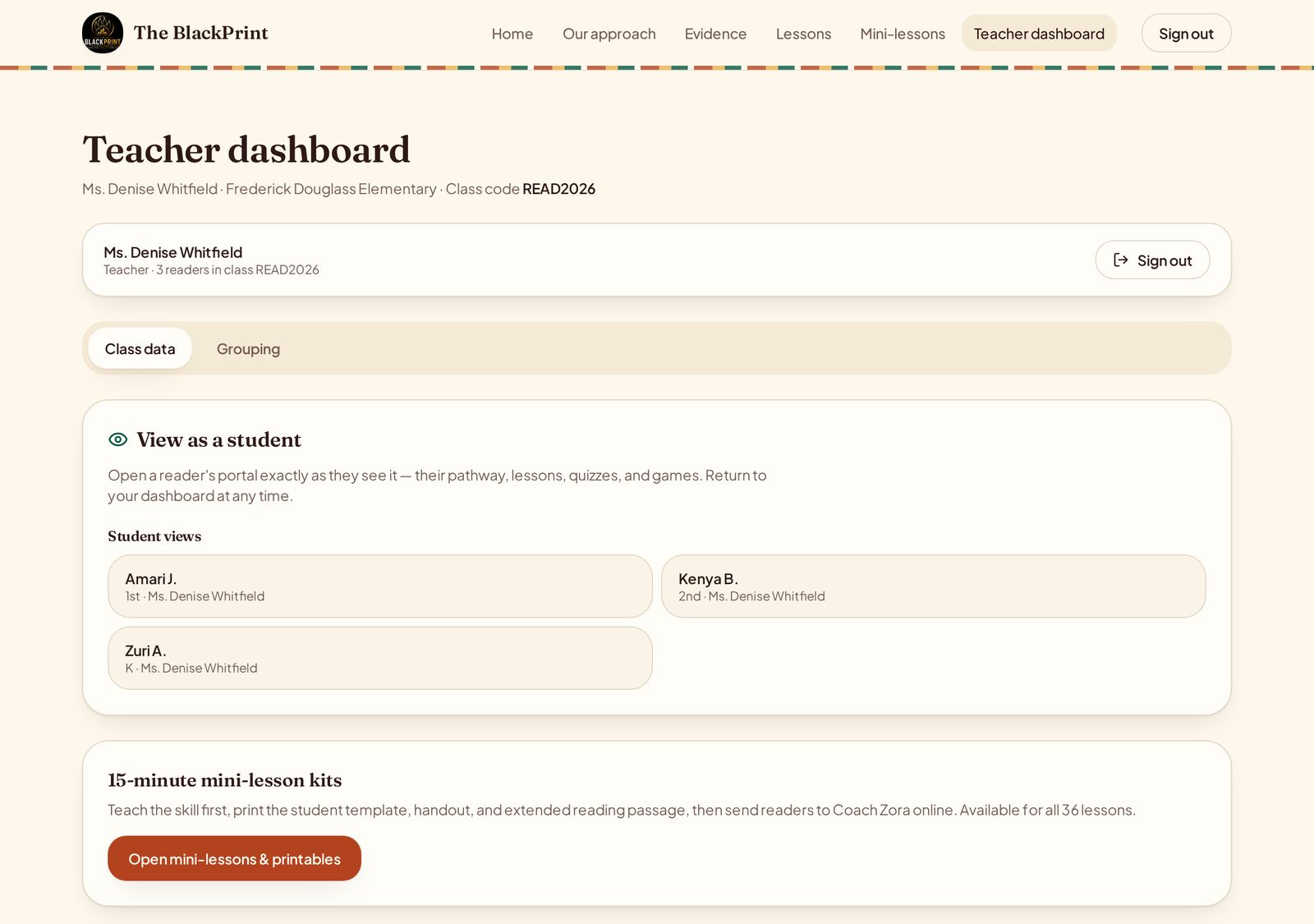
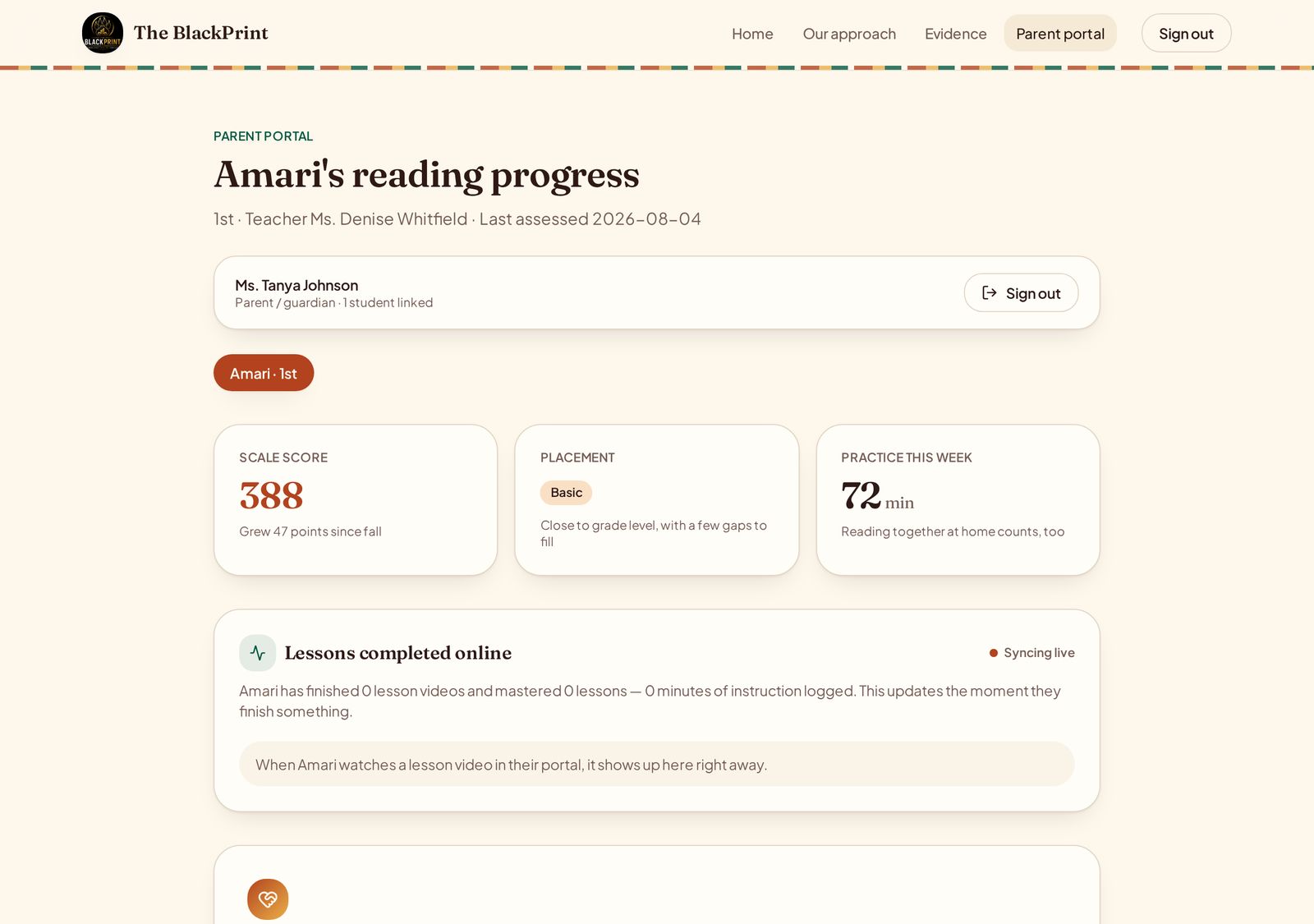
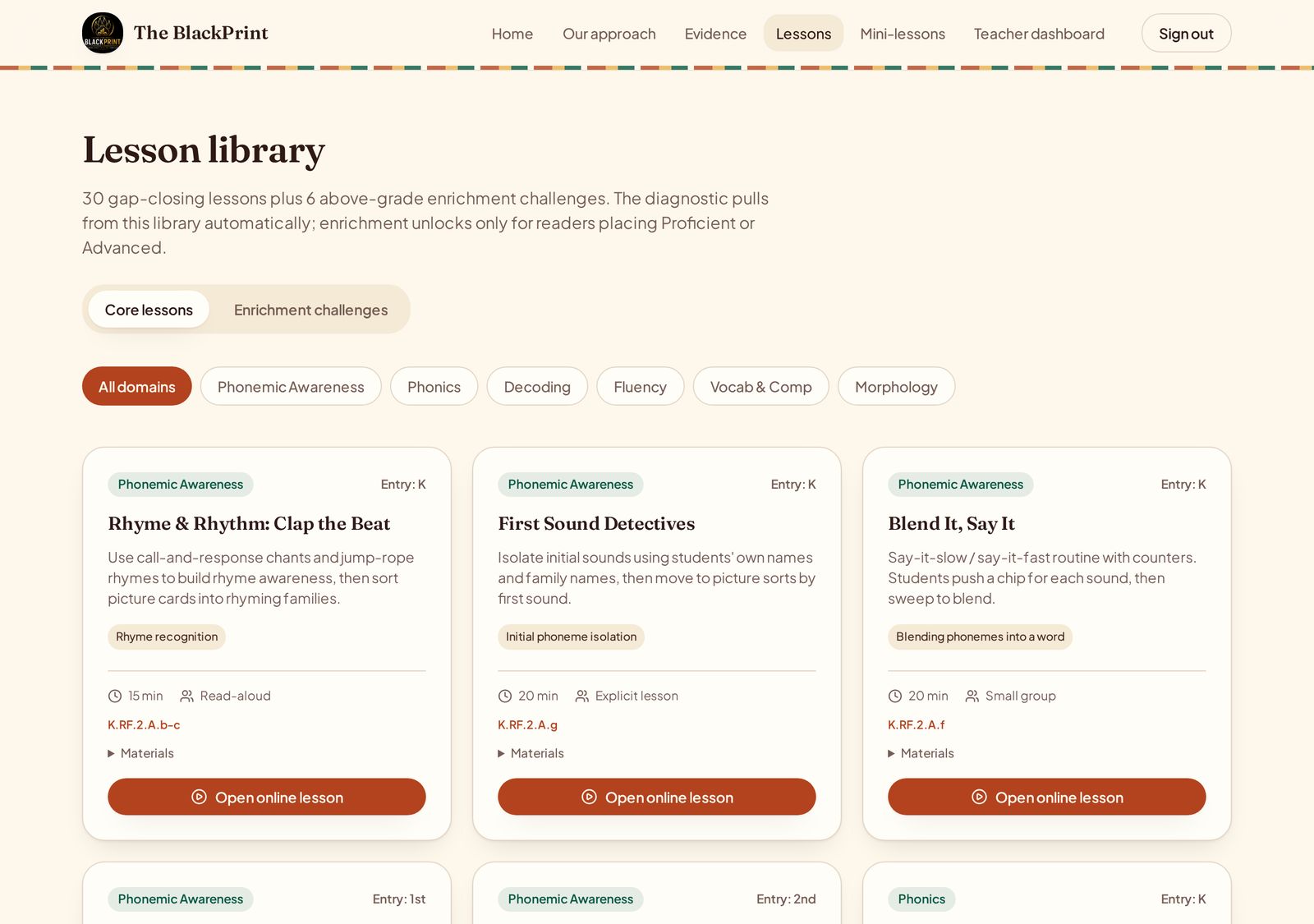
Lessons are assigned and delivered by the teacher and completed by your child in the student portal. Families see the results, the pathway, and at-home activities instead of the staff lesson library.
Families
Why is the live platform empty?+
The live environment belongs to Hope Leadership Academy and starts with no teachers, students, or families. Data appears as soon as staff are invited and teachers add their readers.
Administrators
What are the demo accounts for?+
Demo accounts hold internal training data for practising with the platform. They are visible only to the platform owner, cannot be signed into publicly, and never mix with live school data.
Administrators
Why can I only see my own grade level?+
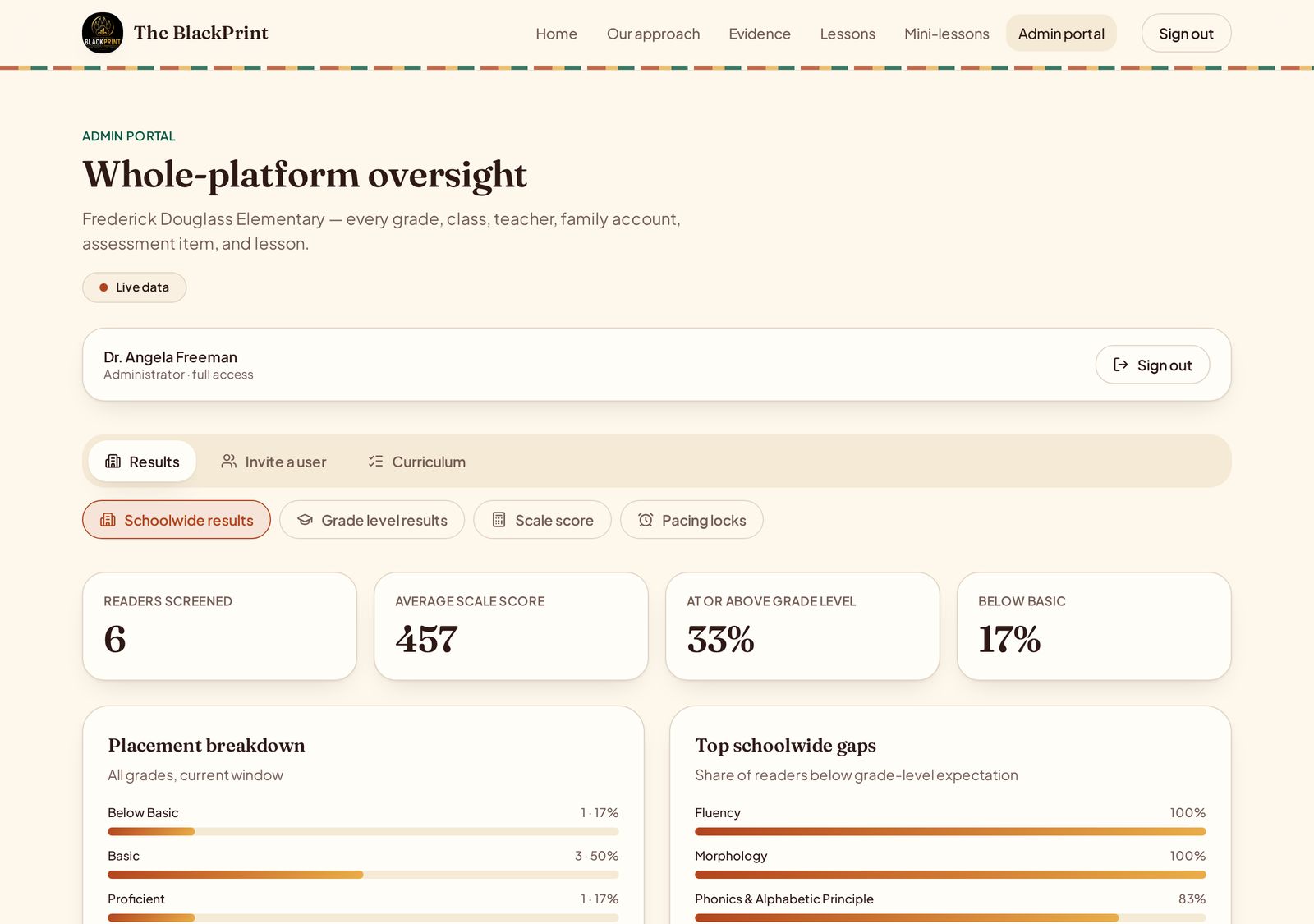
Teachers are scoped to the grades assigned to them, so the dashboard shows only their class and student data. Schoolwide and grade comparisons live in the admin portal.
Teachers
A student cannot start the progress check. Why?+
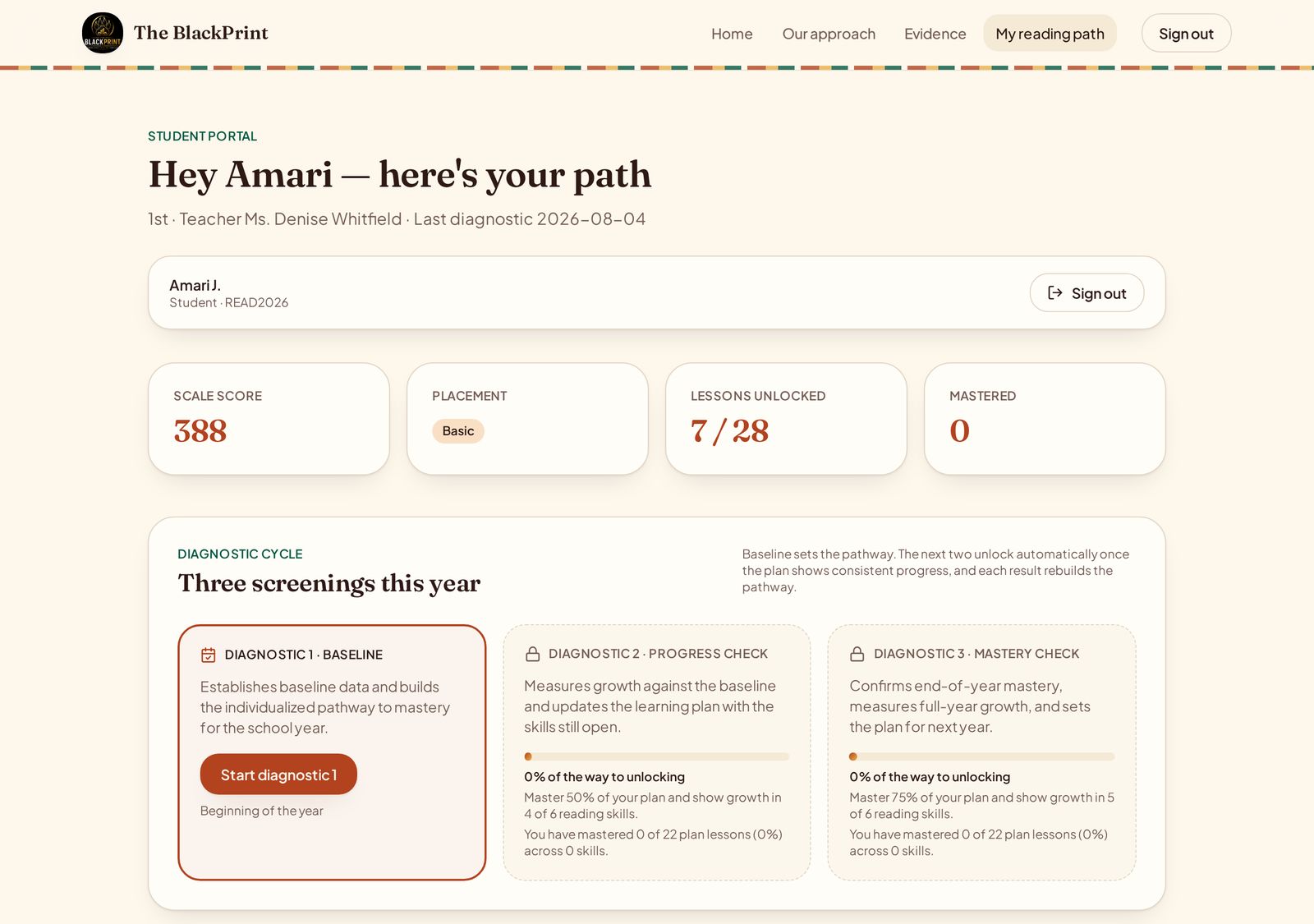
The progress check unlocks at 50% pathway mastery and the mastery check at 75%. Check the reader's pathway progress — completing assigned lessons at 80% or better is what moves the counter.
Teachers
How do I release a locked assessment or lesson?+
Open Pacing locks on your dashboard and choose Unlock. Only teachers and administrators can unlock, and the reader resumes exactly where they stopped.
Teachers
Do I get the same quiz if I retake it?+
No. Every retake draws a new set of ten questions on the same skill, so you have to use the strategy rather than remember answers.
Students
Can I stop in the middle and finish later?+
Yes. Use Pause. Your answers and your place are saved, and you continue from the same spot next time you sign in.
Students
How do I unlock the games?+
Each domain has its own game and it unlocks once you reach mastery in that domain, which means scoring 80% or higher on the lessons for that skill.
Students
What standards is the scoring based on?+
All placement levels and scale scores are criterion-referenced to the Missouri Learning Standards for English Language Arts, K-5 (SBOE, Spring 2016).
Everyone
Does The BlackPrint replace our core reading curriculum?+
No. It is a supplemental diagnostic and intervention layer. It names specific skill gaps and provides targeted lessons and small-group tools alongside daily core instruction.
Everyone
Can materials be printed?+
Yes. All student-facing materials, group cards, pathway maps, and family reports are print-ready from the browser print dialog.
Everyone